> ## Documentation Index
> Fetch the complete documentation index at: https://mintlify-nick-eng-3707-update-chat-endpoints-to-single-assi.mintlify.site/llms.txt
> Use this file to discover all available pages before exploring further.
# Changelogs
> Post product updates in your docs with a subscribable RSS feed
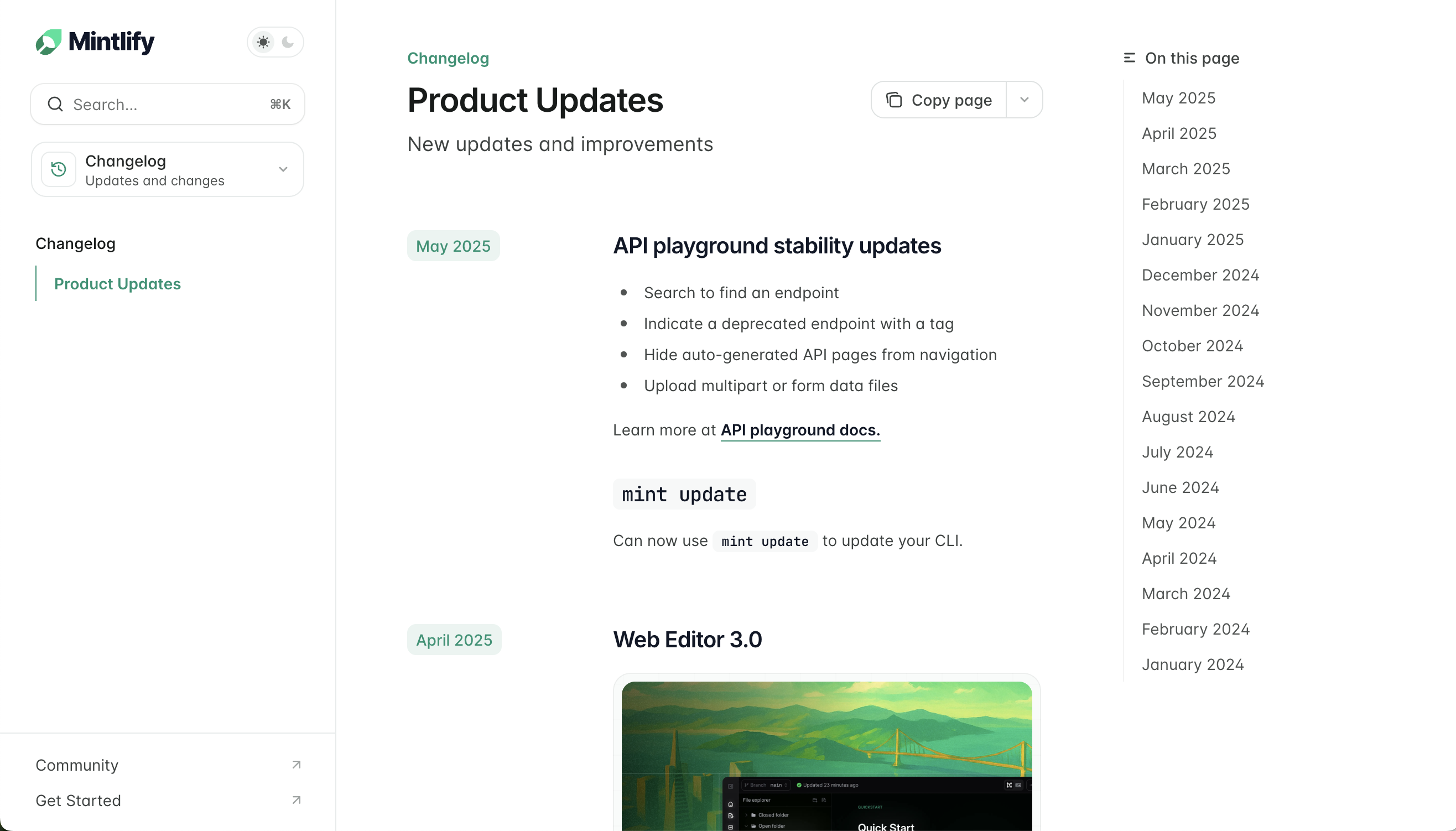
Create a changelog for your docs by adding [Update components](/components/update) to a page.
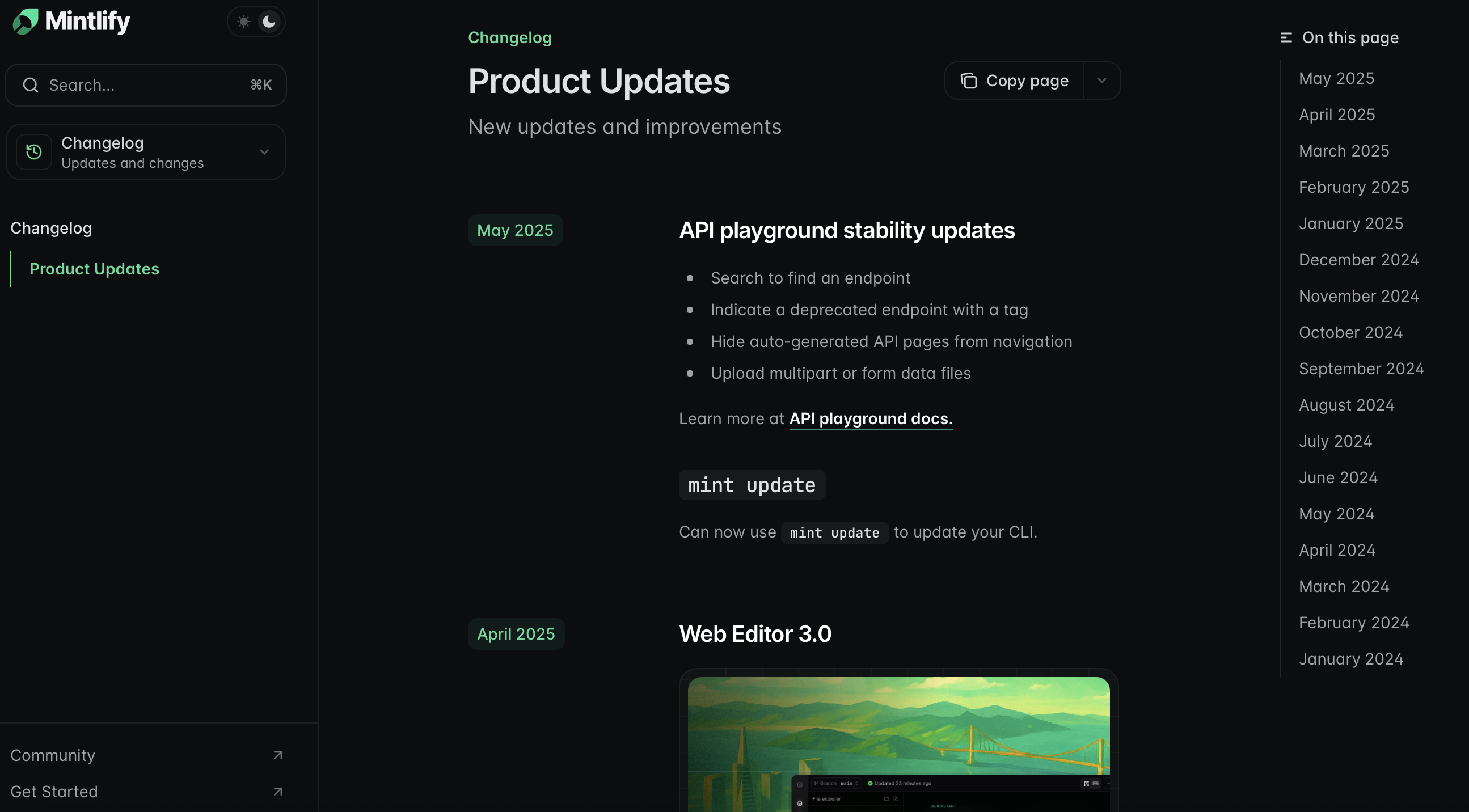
Check out the [Mintlify changelog](/changelog) as an example: you can include links, images, text, and demos of your new features in each update.
## Setting up your changelog
1. Create a new page in your docs such as `changelog.mdx` or `updates.mdx`.
2. Add your changelog page to your navigation scheme in your `docs.json`.
Add an `Update` for each changelog entry.
Include relevant information like feature releases, bug fixes, or other announcements.
```mdx Example changelog.mdx
---
title: "Changelog"
description: "Product updates and announcements"
---
Added a new Wintergreen flavor.
Released a new version of the Spearmint flavor, now with 10% more mint.
Released a new version of the Spearmint flavor.
```
## Customizing your changelog
Control how people navigate your changelog and stay up to date with your product information.
### Table of contents
Each `label` property for an `Update` automatically creates an entry in the right sidebar's table of contents. This is the default navigation for your changelog.
### Tag filters
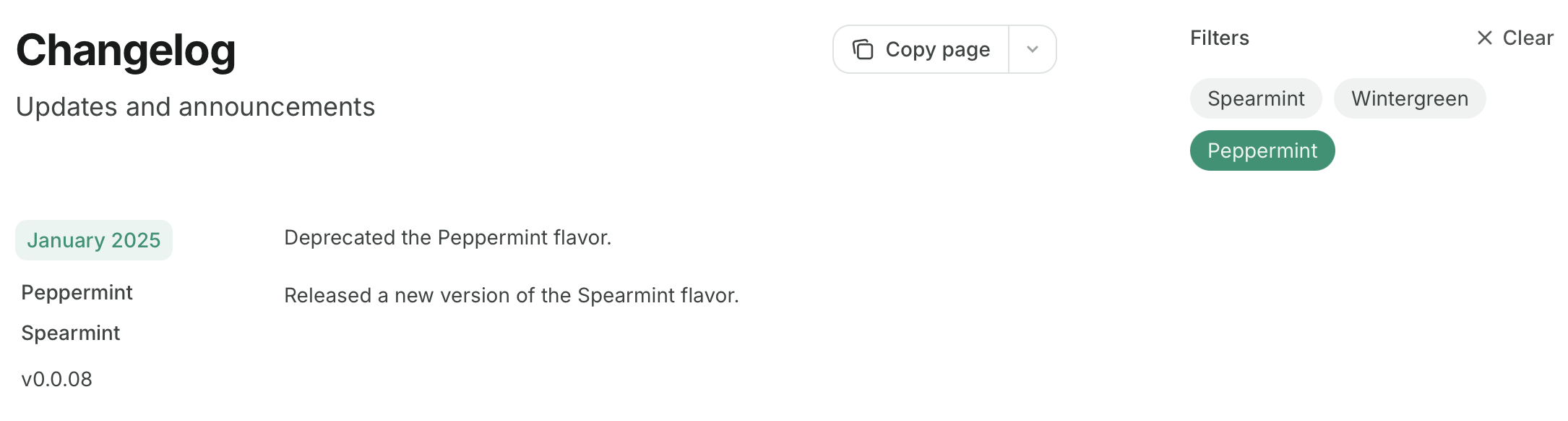
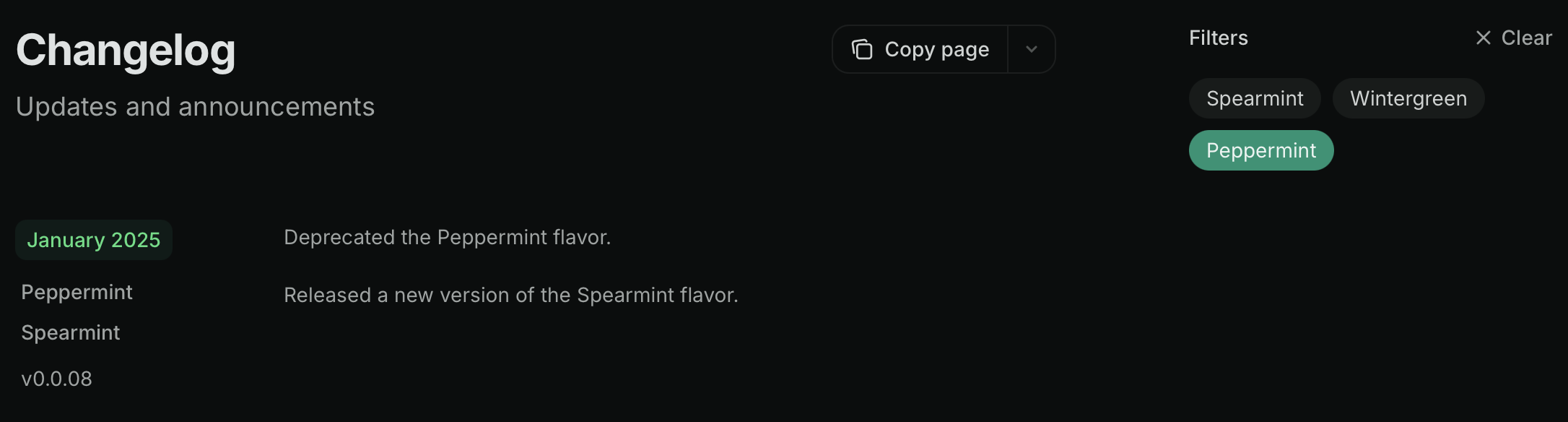
Add `tags` to your `Update` components to replace the table of contents with tag filters. Users can filter the changelog by selecting one or more tags:
```mdx Tag filters example wrap
Added a new Wintergreen flavor.
Released a new version of the Spearmint flavor, now with 10% more mint.
Released a new version of the Spearmint flavor.
Deprecated the Peppermint flavor.
Released a new version of the Spearmint flavor.
```
The table of contents and changelog filters are hidden when using `custom`, `center`, or `wide` page modes. Learn more about [page modes](/pages#page-mode).
### Subscribable changelogs
Using `Update` components creates a subscribable RSS feed at your page URL + `/rss.xml`. For example, `mintlify.com/docs/changelog/rss.xml`. New updates are automatically included in the feed when published.
```xml Example RSS feed
<![CDATA[Product Updates]]>
https://mintlify-changelogs-guide.mintlify.app
RSS for NodeFri, 20 Jun 2025 21:36:14 GMThttps://mintlify-changelogs-guide.mintlify.app<![CDATA[Subscribable changelogs]]>
https://mintlify-changelogs-guide.mintlify.app/changelog#june-20-2025
https://mintlify-changelogs-guide.mintlify.app/changelog#june-20-2025Fri, 20 Jun 2025 21:04:47 GMT
```
RSS feeds can integrate with Slack, email, or other subscription tools to notify users of product changes. Some options include:
* [Slack](https://slack.com/help/articles/218688467-Add-RSS-feeds-to-Slack)
* [Email](https://zapier.com/apps/email/integrations/rss/1441/send-new-rss-feed-entries-via-email) via Zapier
* Discord bots like [Readybot](https://readybot.io) or [RSS Feeds to Discord Bot](https://rss.app/en/bots/rssfeeds-discord-bot)
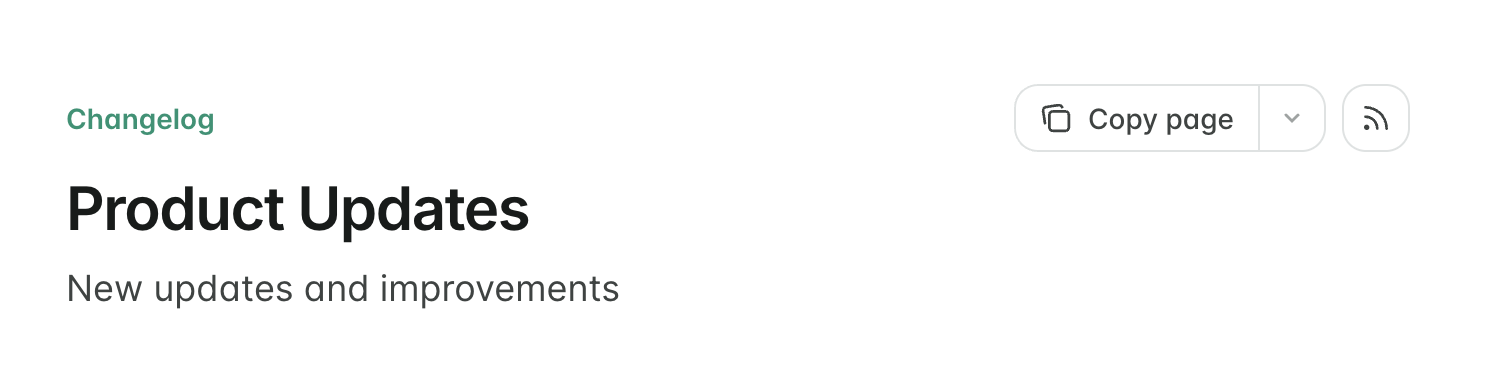
To make the RSS feed discoverable, you can display an RSS icon button that links to the feed at the top of the page. Add `rss: true` to the page frontmatter:
```mdx
---
rss: true
---
```
 ### Tag filters
Add `tags` to your `Update` components to replace the table of contents with tag filters. Users can filter the changelog by selecting one or more tags:
```mdx Tag filters example wrap
### Tag filters
Add `tags` to your `Update` components to replace the table of contents with tag filters. Users can filter the changelog by selecting one or more tags:
```mdx Tag filters example wrap